Import/Export for EmDash is here.
Our second plugin is live on npm: a free, native tool for moving collection content with CSV and JSON.
A simpler way to move content
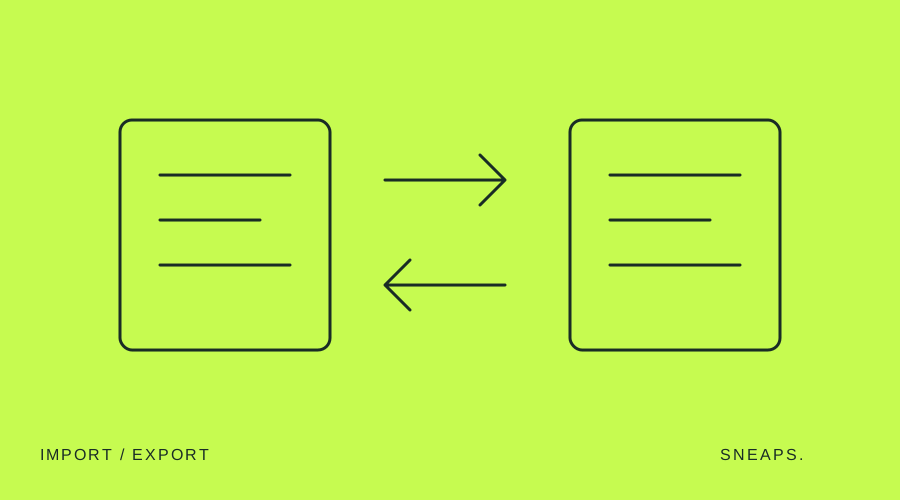
Import/Export CSV & JSON is now available as @sneaps/import-export. Bring CSV, JSON or JSON Lines into a collection and export content as CSV or JSON from the EmDash admin. It is designed for agencies and editors working between a website and structured files.
Check the changes before saving
The import preview shows field mappings, warnings and which entries will be created or updated. Matching uses an ID, then a slug. Choose whether to update existing entries and how to handle publication status. During import, follow progress, stop the operation and download an error report for failed rows.
Choose the right export
Export all entries, published entries or drafts. Choose the latest editor version, including unpublished edits, or published content only. An empty template supplies the columns for your collection. Be careful when reimporting published content: it can overwrite newer unpublished edits.
Free, native and on your site
The plugin is MIT-licensed and makes no external network calls. Files are read in your browser and content goes to your own EmDash API. Install with pnpm add @sneaps/import-export, register importExport() in your EmDash configuration, rebuild and deploy. Administrators can then access Import/Export from the sidebar.
The first release has clear limits
Imports support up to 8 MiB and 5,000 rows; exports support up to 20,000 entries. Media, reference, repeater and blocks fields are not imported yet and are flagged in the preview. Keep the browser tab open while importing. Visit the plugin page for installation instructions and the full npm documentation.